TL;DR
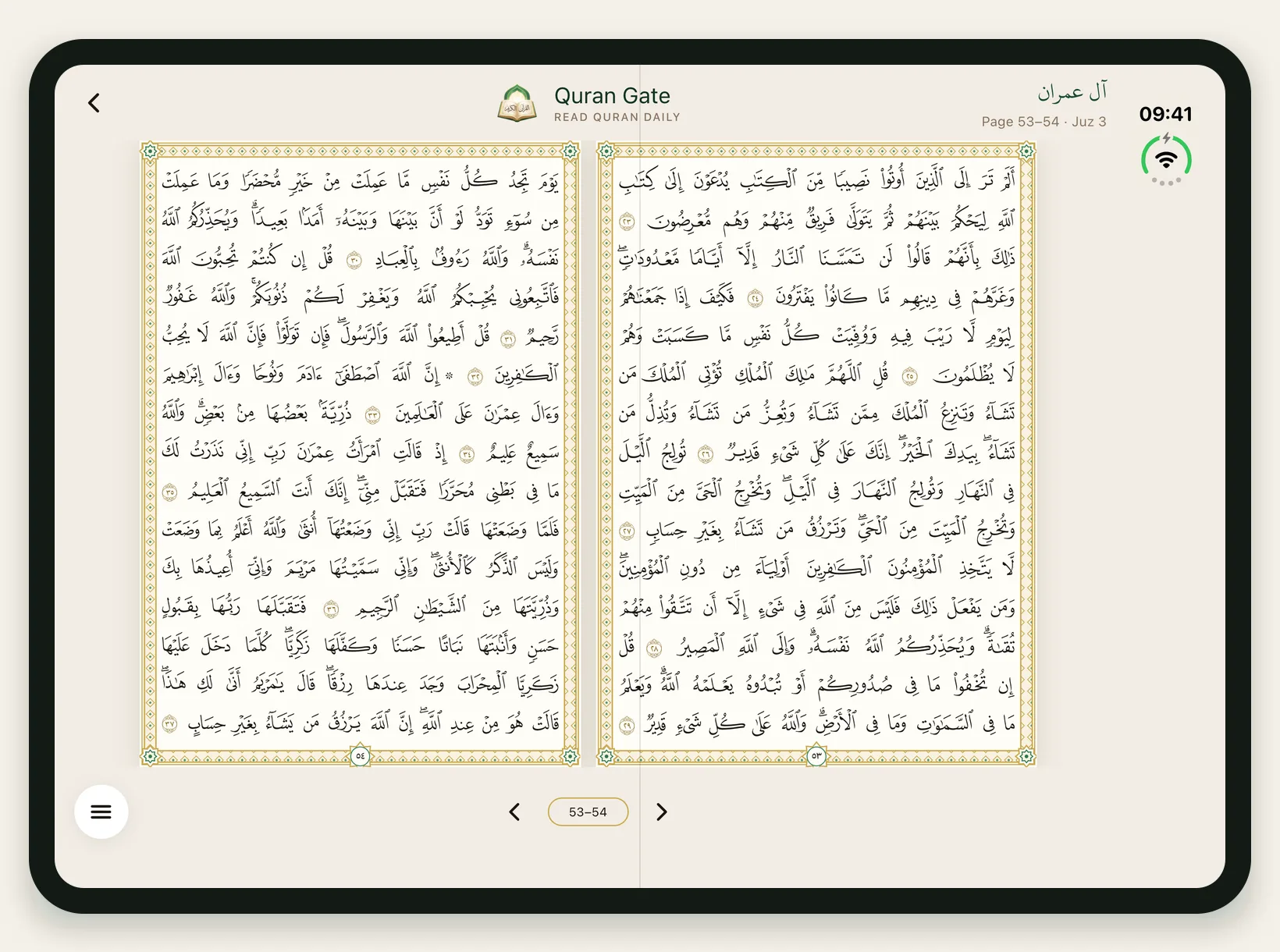
On the iPhone Duo, Quran Gate shows the Madani Mushaf as two facing pages when the phone is unfolded and held sideways, with the right-hand page first as in print. Upright it shows one large page, folded it works like any iPhone, and the same spread works on iPad in landscape.
When Apple announced its first foldable iPhone in September 2026, most of the coverage was about the hinge, the price and the camera. We were looking at something else: when you open it sideways, it is roughly the shape of an open Mushaf.
For years, reading the Quran on a phone has meant one compromise: one narrow page at a time, never the open spread you see when you sit with a printed Mushaf. The iPhone Duo was the first phone that could change that, so we rebuilt Quran Gate's Mushaf for it. Here is what we did and why. If you just want to see it, the Quran Gate iPhone Duo page has screenshots of every mode.
The page has to stay a page
Quran Gate's Mushaf view is the 604-page Madani Mushaf, page for page: 15 lines per page, each page drawn with its own Uthmani font so a line never wraps or reflows. Page 53 in the app is page 53 on your shelf.
That rule made the iPhone Duo design simple to state and hard to get right: never stretch a page, never squeeze two. A Mushaf page has a fixed shape. If the screen can hold two of them at a readable size, show two. If not, show one, as large as it fits.
Three postures, three layouts
The iPhone Duo is really three screens, depending on how you hold it:
- Folded. The outer screen is a normal iPhone, so Quran Gate behaves exactly like it does on any iPhone: one page, the daily ritual, your streak.
- Unfolded, upright. The inner screen is taller than it is wide. Two pages would be too small to read, so you get one big page with comfortable margins. Many people prefer this for longer reading.
- Unfolded, sideways. Now the screen is wide enough for two full pages at a readable size, and the Mushaf opens as a spread.
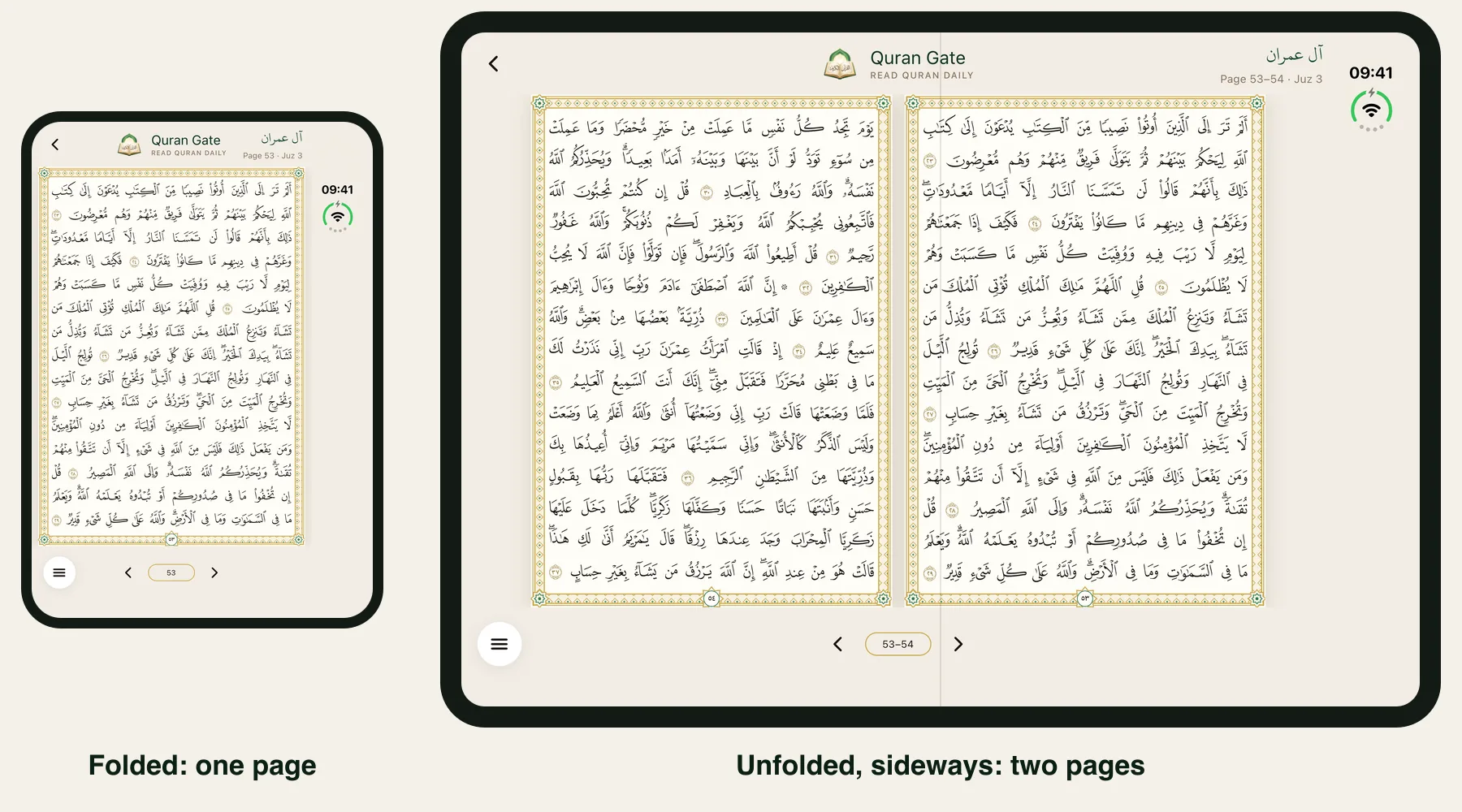
Under the hood the rule is just geometry: when the window is wide enough and noticeably wider than it is tall, show the spread. It is the same rule on iPad, so an iPad in landscape gets two pages too.
Right page first
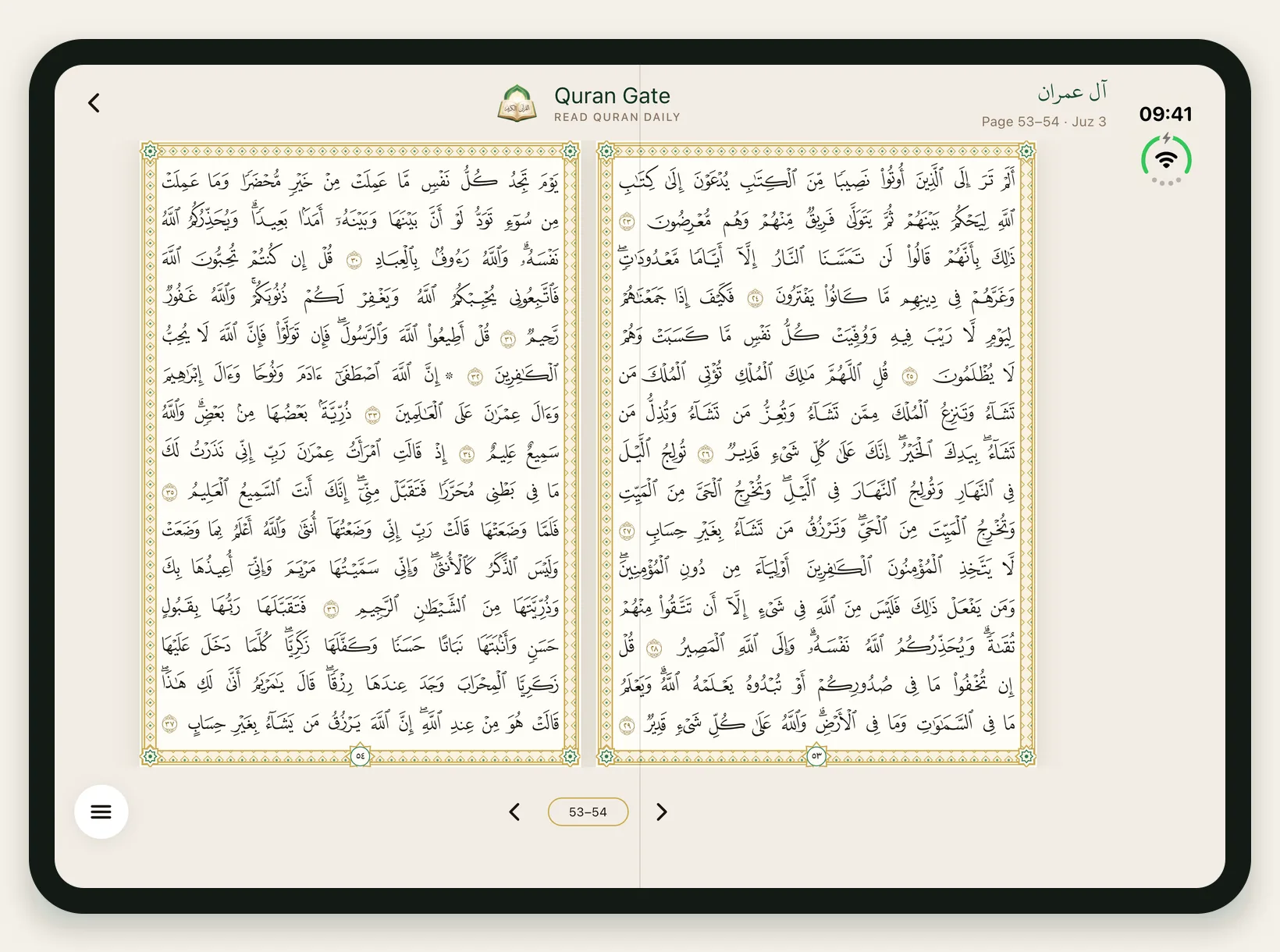
A printed Mushaf opens from the right. On a spread, the odd-numbered page sits on the right and the even page on the left. We kept that exactly: on the iPhone Duo you see page 53 on the right and 54 on the left, and the counter reads "53–54". It sounds like a small detail, but it is the difference between "a Quran app on a big screen" and "a Mushaf in your hands".
The daily reading ritual, the short portion that keeps your streak and moves your khatm forward, uses the same spread, so a day's reading on the iPhone Duo looks like reading from a Mushaf, not scrolling through an app.
The rest of the app got room too
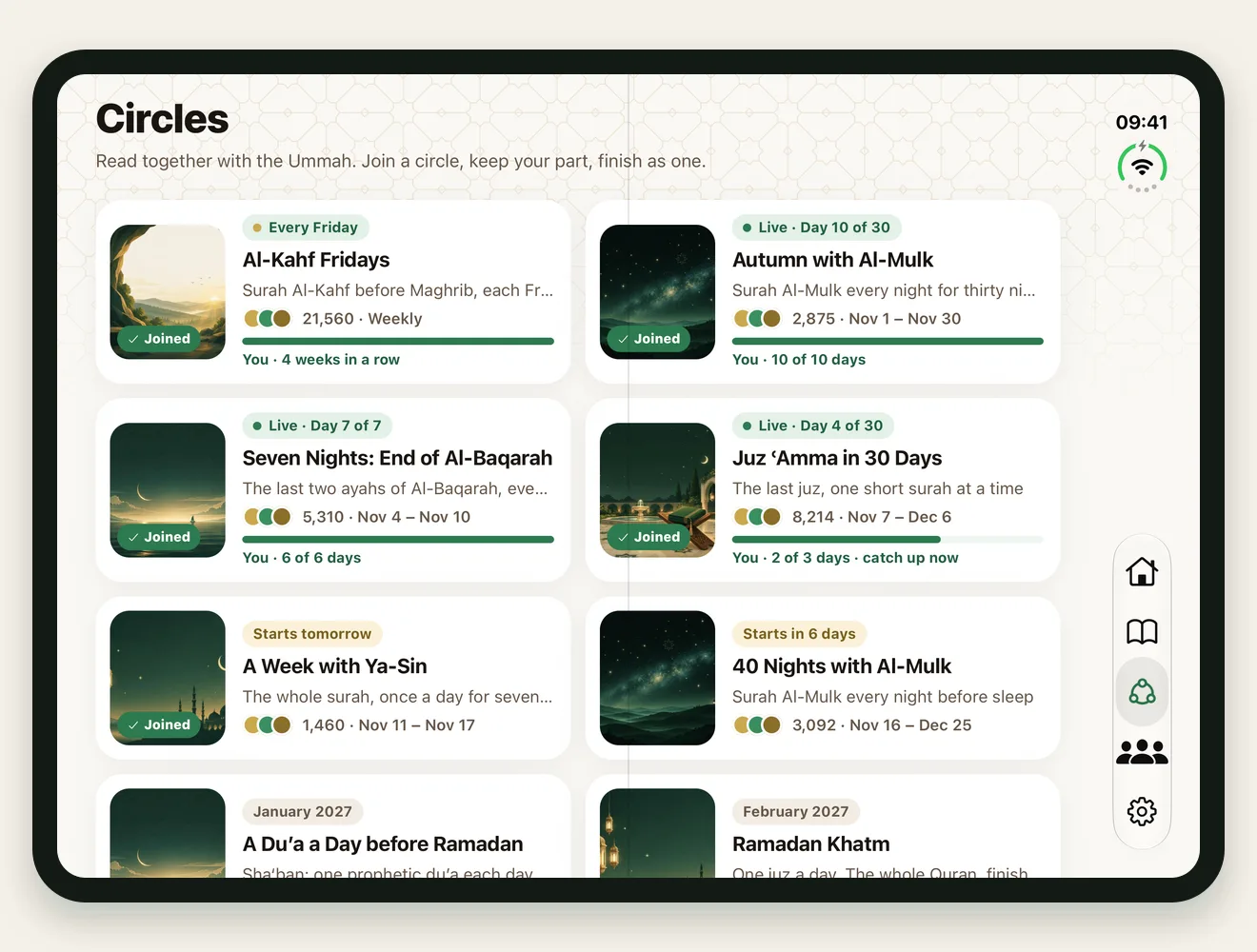
Once the Mushaf worked, the rest of the app followed. Unfolded, Home puts today's reading, your khatm and the Ayah of the Day side by side; Circles show as a two-column grid; your profile shows your streak, milestones and circle badges next to your reading journey.
What it does not do (yet)
- Android foldables. Quran Gate runs on Android, but the two-page spread is built for the iPhone Duo and iPad. Galaxy and Pixel foldables get the normal one-page layout for now.
- Tafsir. The Mushaf view has word-by-word meanings and translations, not tafsir. For deep study, pair it with a tafsir app.
Try it
Quran Gate is free to start on iPhone, iPhone Duo and iPad. Download the full Mushaf once (about 210 MB) and every page reads offline. If you want company, join a Quran reading circle and read the same part each day with Muslims worldwide. And if you are choosing between apps, our guide to the best Quran apps for iPhone compares the main options honestly.


Frequently Asked Questions
Why does the two-page Mushaf only appear when the iPhone Duo is sideways?
Two Mushaf pages side by side need a screen that is wider than it is tall. The unfolded iPhone Duo held upright is taller than it is wide, so Quran Gate shows one large page instead; turn it sideways and the spread appears.
Does the two-page view work on Android foldables?
Not yet. Quran Gate runs on Android, but the two-page spread is built for the iPhone Duo and iPad. Android foldables use the standard one-page layout.
