Assalamu alaikum!
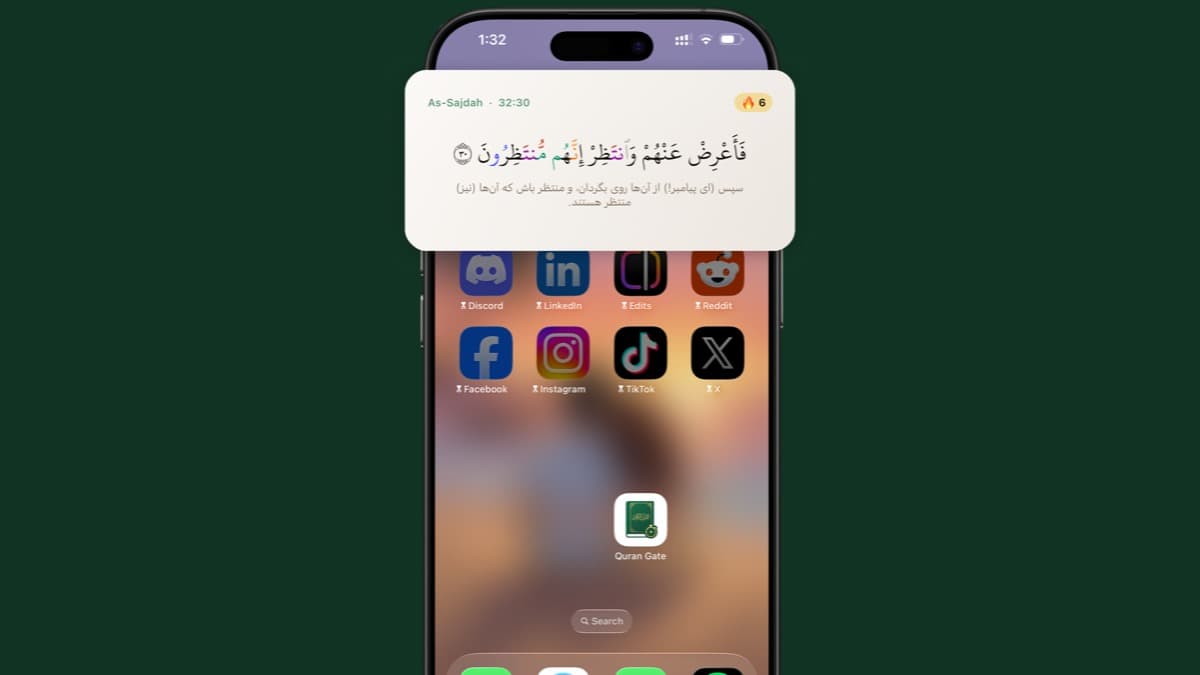
Quran Gate now lives on your iPhone home screen. The new widget keeps the Quran in front of you throughout the day — no need to open the app to stay connected to your reading habit.
Here's what it does.
A new ayah through your day
The widget displays ayahs from different parts of the Quran as the day goes on. Each time you glance at your home screen, there's something fresh to reflect on — a small moment of remembrance between everything else you do on your phone.
Your streak, always in sight
Your reading streak sits right on the widget, so you always know where you stand. And if you haven't read yet today, the widget gently reminds you — a quiet nudge to keep the habit alive before the day slips away.
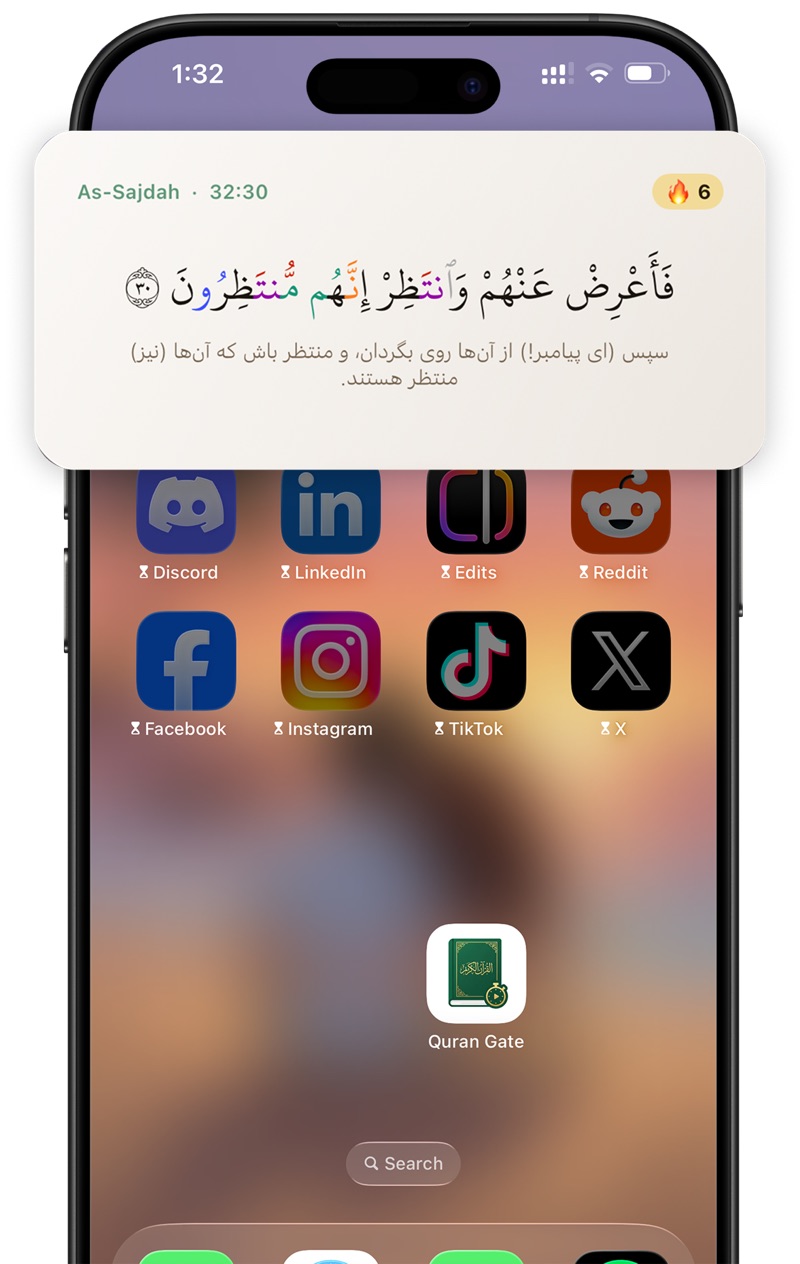
The widget showing today's ayah and your current reading streak.
Gated apps? The widget shows the way back
When your distracting apps are locked behind the gate, the widget tells you — and gives you the fastest way back. One tap opens Quran Gate so you can read your ayahs and unlock your apps. What used to be a locked screen is now an open door to your daily reading.
How to add the widget
- Touch and hold an empty area of your home screen until the apps jiggle.
- Tap the + button in the top corner (or Edit → Add Widget).
- Search for Quran Gate.
- Choose the widget size you like, then tap Add Widget.
- Tap Done — that's it.
The widget is available now in the latest version of Quran Gate for iOS. Update the app, add the widget, and let your home screen remind you of what matters most.
May it help you keep the Quran close, one glance at a time.